

Logitech MX Master 3

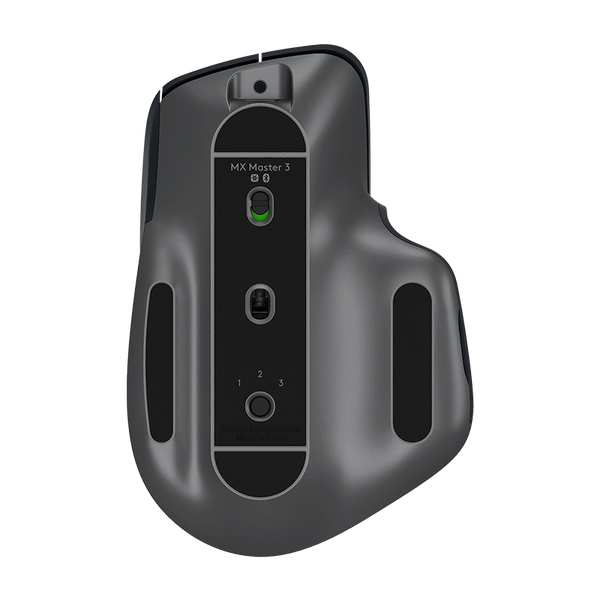
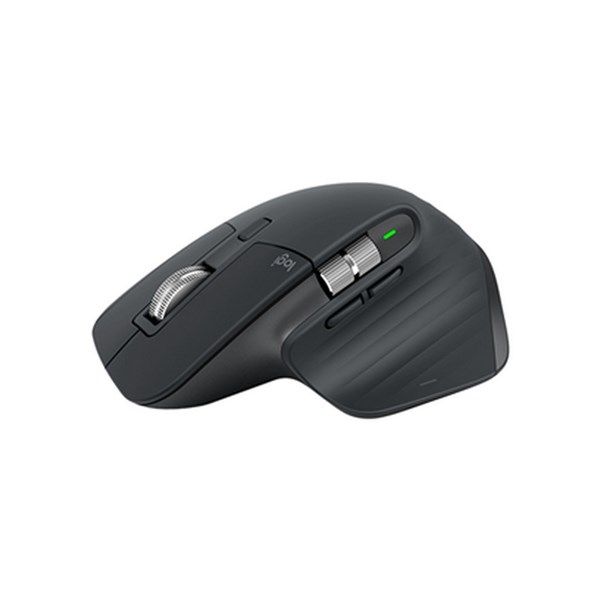

 $148.00
Reviews
Show product page
6 years ago
Logitech MX Master 3 Advanced Wireless Mouse 910-005698 review
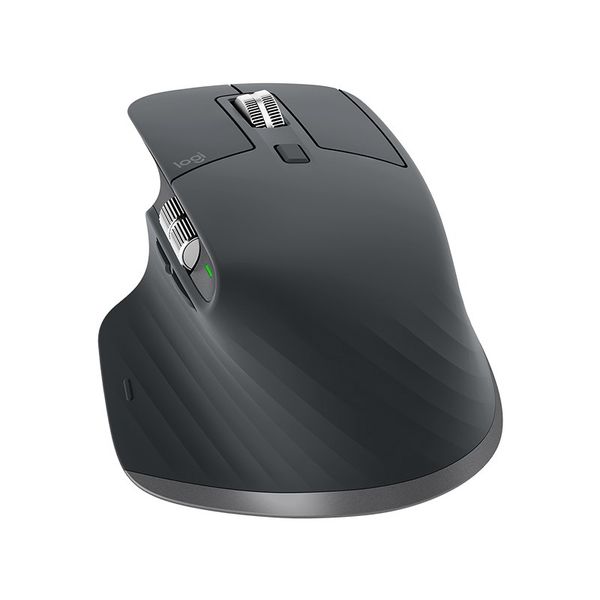
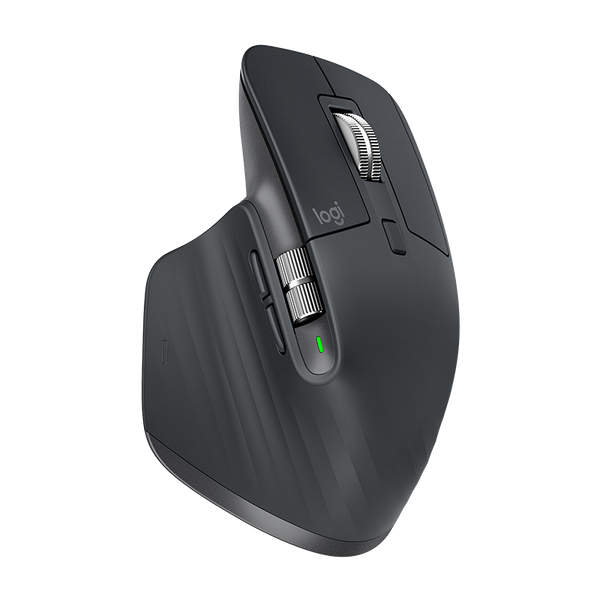
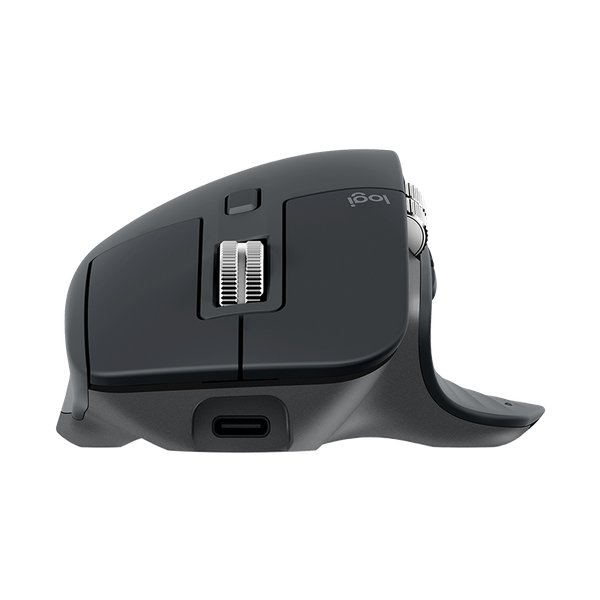
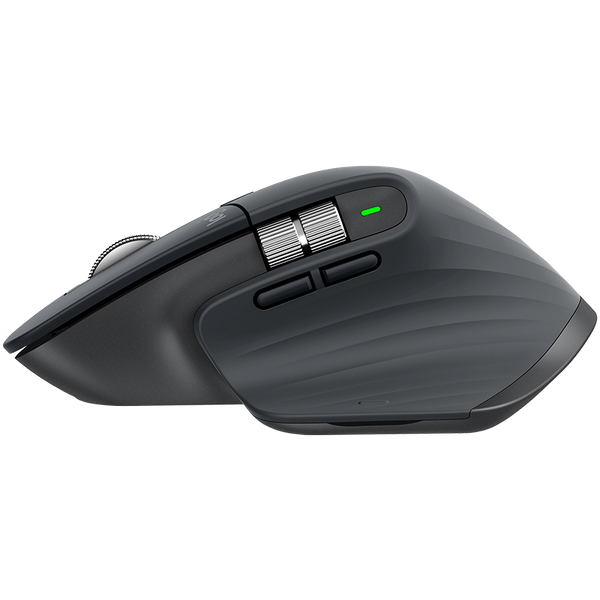
The Logitech MX Master 3 has one of the most pleasant scroll wheels we’ve ever used and a customizable button layout that’s both productivity and finger-friendly.
Pros:
- Fast
- smooth
- quiet scroll wheel
- Comfortable
- Control up to three PCs
- Share files
- text and images across up to three PCs
- Pre-made and customizable app-specific profiles
- 2.4 GHz or Bluetooth
Cons:
- Thumb rest button could be more convenient
- DPI customization isn’t precise
- No USB receiver storage
- Expensive

6 years ago
Logitech MX Master 3 Advanced Wireless Mouse 910-005698 review
It's been more than two years since we reviewed the Logitech MX Master 2S , a rather expensive mouse that offered a number of features with appeal for business users -- especially those who work on more than one computer.
6 years ago
Logitech MX Master 3 Advanced Wireless Mouse 910-005698 review
Logitech Announces The MX Master 3 and MX Keys The Logitech MX Keys Advanced Wireless Illuminated Keyboard is easily recognized as there are not many...
6 years ago
Logitech unveils next-gen MX Master 3 smart mouse, MX Keys keyboard

6 years ago
Logitech MX Master 3 Advanced Wireless Mouse 910-005698 review
Logitech has long been a leader in keyboard and mice for very good reason, and the company’s ability to iterate on its existing successes with improvements that are smart and make sense is impressive.
6 years ago
Logitech MX Master 3 Advanced Wireless Mouse 910-005698 review
Like I mentioned at the start of this review, I’ve been using a Logitech Craft keyboard and an MX Master 2S mouse for quite a while. I like the new MX Keys keyboard a little better than the Craft keyboard if only for the reason that I rarely if ever used the knob on the Craft and I like that the MX...
Pros:
- MX Keys – Can be paired with up to 3 devices
- MX Keys – 5 month battery life if you turn off the backlight
- MX Keys – Comfortable to type on
- MX Master 3 – great feel
- MX Master 3 – fast smooth scroll wheel
- Logitech Flow between devices
Cons:
- Nothing

6 years ago
Logitech MX Master 3 : A mousing master
Only small improvements over previous MX Master mice but unbeatable for productivity and creative work
Pros:
- Superb accuracy and performance
- Flexible wireless connectivity
- Improved ergonomics
Cons:
- Expensive

5 years ago
Logitech MX Master 3 Advanced Wireless Mouse 910-005698 review
The mouse is available in graphite (black), mid gray or newly as a MX Master 3 for Mac (black and gray). It comes with the charging cable and a Unifying USB receiver. Simply said, it is the best computer mouse I ever used on any computer.
11 years ago
Logitech MX Master wireless mouse review
The past five years have seen a resurgence in the popularity of expensive keyboards. A love of old-school mechanical design has grown into a strong niche that numerous companies participate in. Anyone looking for a keyboard is spoiled for choice. Yet every keyboard’s companion, the mouse, has been left behind. There are nice mice, to be sure, but the bulk of them focus exclusively on gaming. An average user seeking a high-quality pointer doesn’t have much choice. Recently, though, a new contender emerged; the Logitech MX Master. Priced one cent south of $100, it’s one of the most expensive mice on the market. It’s rivaled only by specialty wireless gaming mice from Razer and Mad Catz, but is the Master a new standard for mice, or is it just an over-priced luxury? Logitech has a history of building expensive, cutting-edge mice. The trend arguably started with the MX900, which debuted in 2003 with Bluetooth connectivity and a rechargeable internal battery, features well ahead of their ti...
Pros:
- Comfortable ergonomic design
- Two scroll wheels
- Numerous connection options
- Internal rechargeable battery
Cons:
- Small thumb buttons
- Lefties need not apply
- Bluetooth only works with recent OS
4.6
from 26 reviews
5
35.0%
4
64.0%
3
0.0%
2
0.0%
1
0.0%

